
10 Best Online SEO Analysis Tools (Free + Paid) for 2026
SEO is not simple anymore.
Right now, in 2026, you’re competing to rank on Google. First of all, you need to optimize your content according to Google’s algorithm policies. You’re also going to need to create an AI Overview, perform technical SEO and on-page SEO, make sure your content quality is good, perform keyword research and backlink analysis, track your rank, and strive to give your users a good experience. It is very challenging for one person or team to tackle all of these factors.
This is why we rely on SEO analysis tools.
For growth, a solid SEO analysis tool helps you find keyword opportunities, audits your website for holes, fixes technical issues, looks for insights into competitors, monitors your ranking, enhances content, & increase organic traffic. Many of the tools in this list are free or cost just a few dollars per month. Some of these tools are designed for beginners, while others are built for large agencies so they can better understand advanced SEO in depth and improve their website content to rank in the SERPs and generate business.
In this guide, we'll cover the 10 best online SEO analysis tools for 2026, including free and paid options. We'll also explain what each tool is best for, its core features, pricing, pros and cons, and how to choose the right one for your needs.
If you want to quickly find your website’s on page and technical errors, you can use our seo analysis tool. This tool will analyze your site in detail and identify on page issues and technical improvements.
What Is an SEO Analysis Tool?
An SEO analysis tool is a software that helps you analyze your website and shows how well it is optimized for search engines, as well as what improvements you can make to achieve better rankings.
These tools can help with:
- keyword research
- site audits
- technical SEO
- on-page SEO
- backlink analysis
- rank tracking
- competitor analysis
- content optimization
- reporting and dashboards
In simple words, an SEO analysis tool shows which keywords your website pages are ranking for, how big the gap is between your site and your competitors, and what improvements you can make to outrank them and achieve a better position.
You can think of it like a health checkup for your website.
Why SEO Analysis Tools Matter in 2026
SEO has changed a lot over the last few years.
A few years ago, content writers used to place the same keyword multiple times in a blog, and it would rank easily. However, now it has become very difficult to do so. Search engines now care more about search intent, content depth, internal linking, page speed, mobile-friendliness, Core Web Vitals, structured data, and topical authority.
At the same time, AI-powered search is changing how users discover information. More brands now want to understand how they appear not only in Google Search, but also in Google AI Overviews, ChatGPT, Perplexity, and Gemini.
Without the right tools, it becomes hard to:
- Find low-competition keywords
- monitor search rankings
- Detect crawl errors
- improve site health
- track backlinks
- analyze competitors
- update decaying content
- measure SEO performance
- improve search visibility
That is why SEO software is now a core part of any serious digital marketing strategy.
Benefits of Using SEO Analysis Tools
The best SEO tools help you save time and make smarter decisions.
Here are some of the biggest benefits:
1. Better keyword research
You can find high-volume, low-competition keywords, related terms, search intent patterns, and semantic keyword opportunities.
2. Faster technical SEO audits
You can spot broken links, duplicate content, redirects, indexing problems, and crawlability issues before they hurt your rankings.
3. Stronger content optimization
Many SEO platforms help you improve headings, title tags, meta descriptions, internal linking, word count, and topical relevance.
4. Better competitor analysis
You can see what competitors rank for, which backlinks they have, what pages drive their traffic, and where your content gaps are.
5. Easier performance tracking
SEO dashboards and rank tracking tools help you measure visibility, rankings, clicks, traffic, and keyword performance over time.
6. Smarter SEO workflow
Instead of guessing what to fix next, you can prioritize the tasks that will have the biggest impact.
How We Chose the Best SEO Analysis Tools
To build this list, we looked at the factors that matter most in real SEO work:
- accuracy of data
- ease of use
- depth of features
- keyword research quality
- technical SEO capabilities
- backlink analysis
- content optimization features
- reporting and dashboards
- pricing and value
- free plan or free trial availability
- support for AI search visibility
I have also included some different use cases in this. Some people need an all-in-one SEO toolkit. Others need a free SEO checker, a content optimization tool, a technical site audit platform, or a rank tracking solution.
Quick Comparison of the Best SEO Analysis Tools
|
Tool |
Best For |
Free |
Starting |
|
Semrush |
All-in-one SEO |
Limited trial |
$117.33/month |
|
Ahrefs |
Backlink and |
Limited access |
$129/month+ |
|
Google Search |
Free SEO |
Free |
$0 |
|
SE Ranking |
Affordable |
Trial available |
$129/month |
|
Surfer SEO |
Content |
Trial/guarantee |
$99/month |
|
Screaming Frog |
Technical SEO |
Free up to 500 |
$279/year |
|
Moz Pro |
Beginner-friendly |
Trial available |
$49/month+ |
|
Mangools |
Budget-friendly |
Trial available |
$18.85/month |
|
AnswerThePublic |
Question-based |
Limited free |
$6.6/month |
|
Nightwatch |
Rank tracking |
Trial available |
$79/month |
1. Semrush
Best for: All-in-one SEO management
Introduction
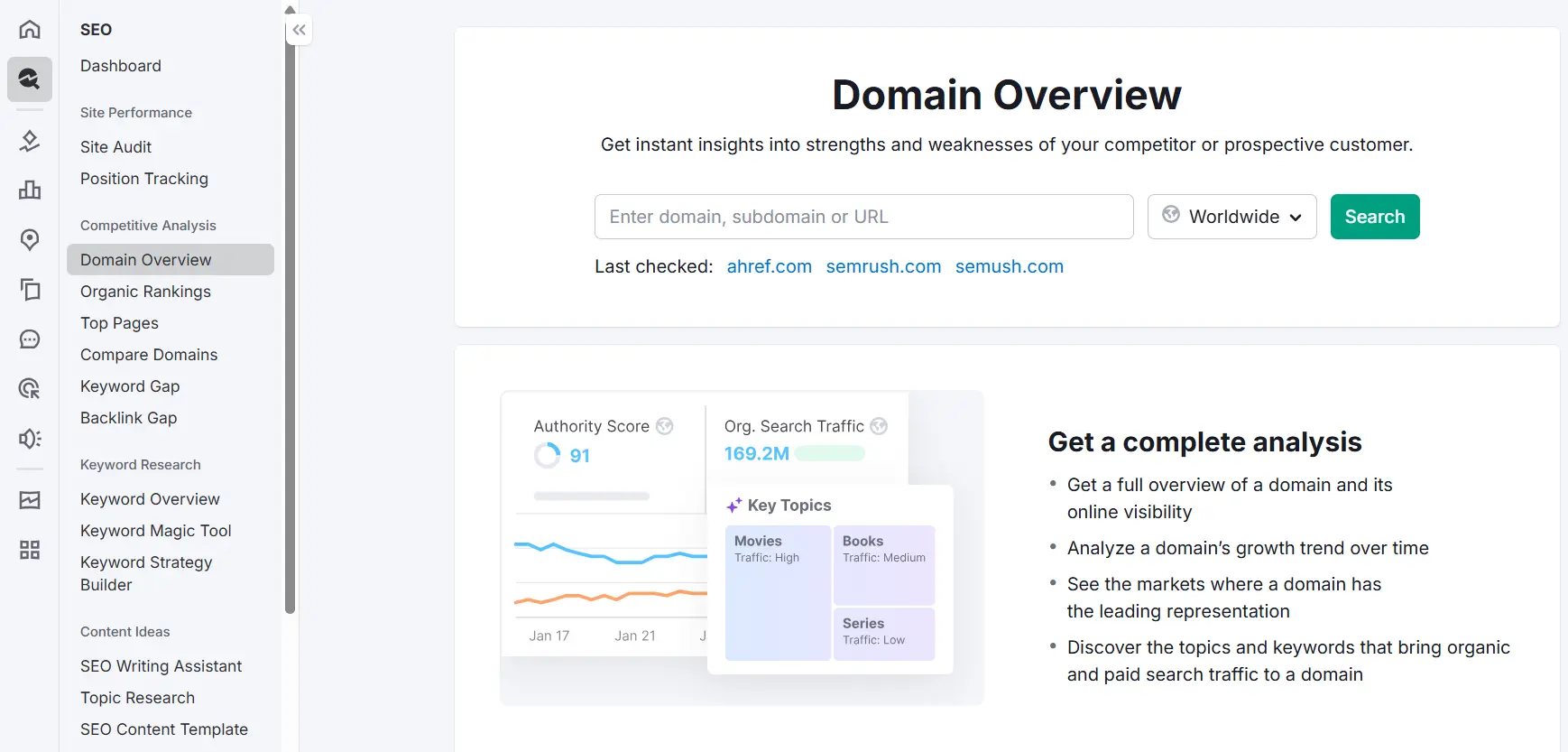
In my opinion, SEMrush is a complete toolkit for search engine optimization and is one of the best tools available in the market. It combines keyword research, technical SEO, backlink analysis, content planning, competitor research, rank tracking, and reporting in one place.
Key features
- Keyword Magic Tool
- Site Audit
- Position Tracking
- Backlink Analytics
- Organic Research
- Content tools
- Competitor analysis
- AI search visibility features
Why we recommend it
If you want one tool that can handle most of your SEO workflow, Semrush is one of the safest choices. It helps you understand your website's health, keyword opportunities, backlink profile, search rankings, and competitor strategy. It provides you with everything you need so that you don’t have to go to any other tool.
Real life example
Imagine you run a small online store that sells skincare products. One month, your traffic starts dropping, but you are not sure why. Instead of checking everything manually, you open Semrush. It quickly shows that a few product pages lost rankings, some important keywords dropped from page one to page two, and a competitor started ranking with better category pages. Now you know exactly where the problem is and what to fix first.
Pros
- powerful all-in-one platform
- strong keyword and competitor data
- useful for agencies and in-house teams
- strong reporting and dashboards
Cons
- can feel overwhelming for beginners
- premium pricing
Pricing: Starts at $117.33/month
2. Ahrefs
Best for: Backlink analysis and competitor research
Introduction
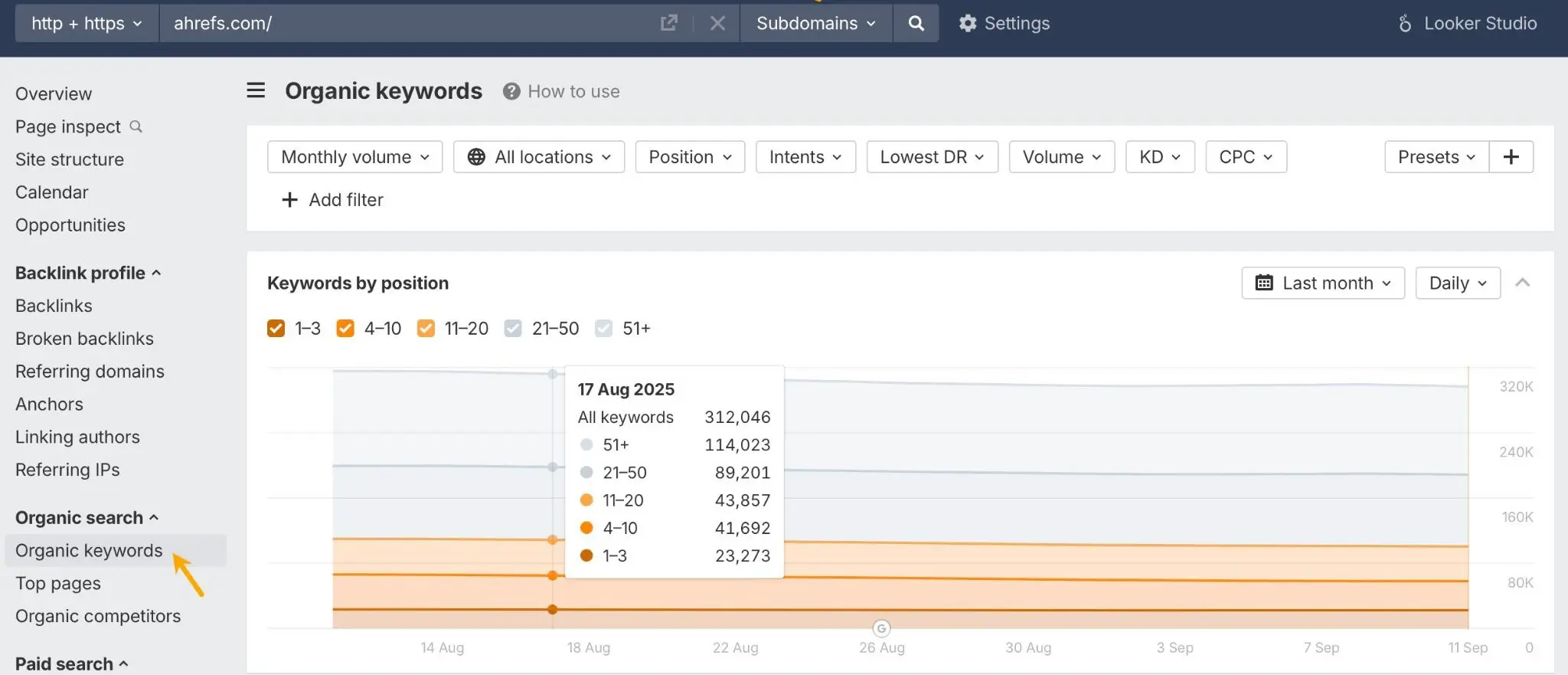
Ahrefs is one of the most trusted SEO tools for backlinks, keyword research, content gaps, and competitor insights. It is widely used by SEO professionals who want detailed data and a clean interface.
Key features
- Site Explorer
- Keywords Explorer
- Content Gap
- Rank Tracker
- Site Audit
- Backlink checker
Why we recommend it
Ahrefs is especially strong for off-page SEO, competitor research, and backlink analysis. If link building, domain authority, and content gap analysis are important to your SEO strategy, Ahrefs is a great fit.
Real life example
Let’s say you have a blog in the finance niche and your competitor keeps outranking you. You know their content is good, but you do not know what gives them the edge. With Ahrefs, you can check which pages bring them the most traffic, what keywords those pages rank for, and which websites are linking to them. That gives you a clear picture of what kind of content and backlinks you need to compete.
Pros
- excellent backlink data
- strong competitor analysis
- clean and easy-to-use interface
- useful content gap reports
Cons
- expensive for small businesses
- Rank tracking is not the strongest feature compared to dedicated tools
Pricing: Starts at $129/month, with stronger plans costing more
3. Google Search Console
Best for: Free first-party SEO data from Google
Introduction
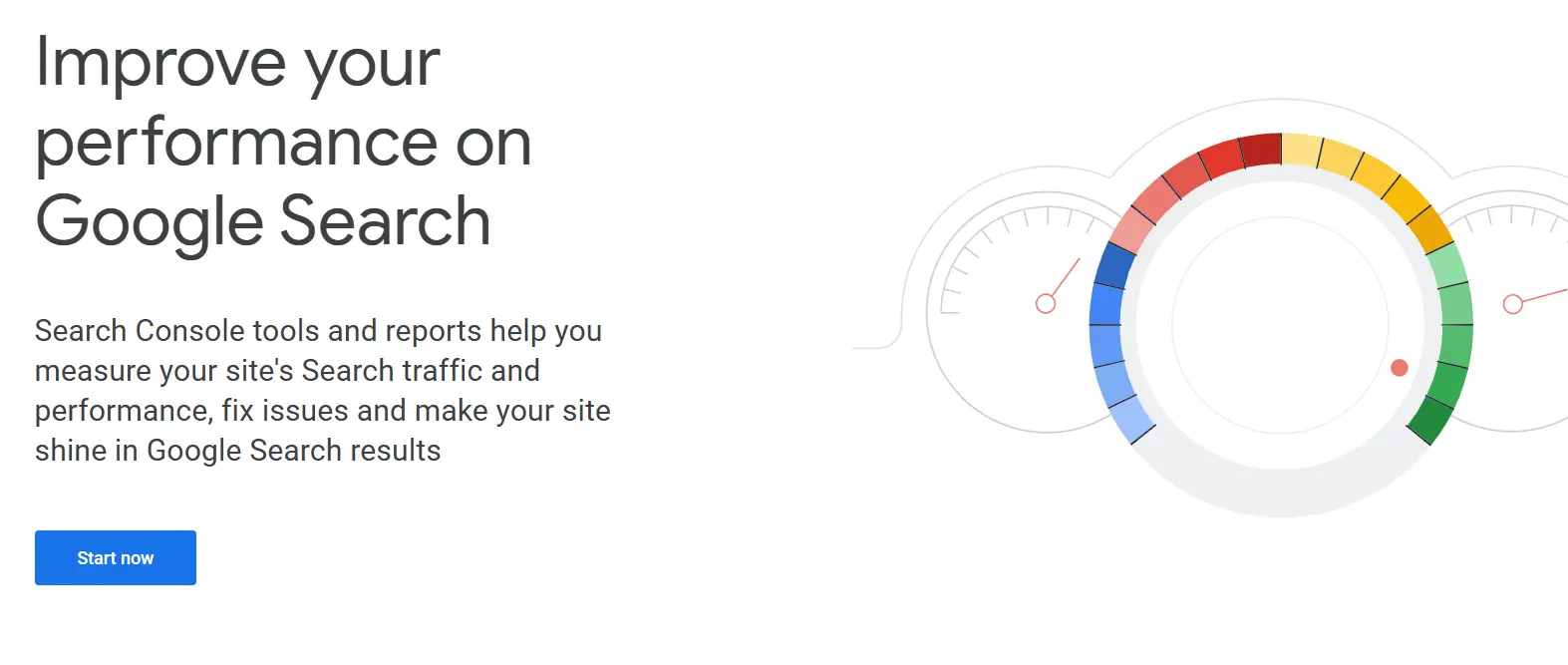
Google Search Console is a must-have tool for every website owner. It is free, easy to use, and gives direct data from Google Search.
Key features
- search performance reports
- indexing and coverage reports
- URL inspection
- mobile usability
- Core Web Vitals
- sitemap submission
Why we recommend it
If you have started doing SEO for your website but have not submitted your site to Google Search Console, then your site will not appear in the SERPs, and it will be considered an unknown site. Google search console It helps you understand which pages get clicks, which keywords get impressions, what pages are not indexed, and what technical issues may be affecting your visibility.
Real-life example
When I started doing SEO for my website, I didn’t even know about Google Search Console at first. I was very confused. I had created a website, but it wasn’t ranking. Then I started researching and discovered Google Search Console.
Pros
- completely free
- direct Google data
- useful for indexing and performance tracking
- essential for technical SEO basics
Cons
- no competitor data
- delayed reporting
- limited long-term history
Pricing: Free
4. SE Ranking
Best for: Affordable all-in-one SEO analysis
Introduction
SE Ranking is a strong option for freelancers, agencies, and small businesses that want keyword tracking, audits, competitor analysis, reporting, and backlink monitoring without paying premium enterprise pricing.
Key features
- rank tracking
- website audit
- keyword research
- backlink monitoring
- competitor analysis
- white-label reports
- local SEO support
Why we recommend it
SE Ranking gives a nice balance of affordability and functionality. It covers the main SEO tasks in one dashboard and is especially useful for teams managing multiple websites.
Real-life example
Imagine you manage SEO for three local businesses at the same time, maybe a dentist, a lawyer, and a home cleaning company. You need to track rankings, run audits, and send reports to each client without getting lost in spreadsheets. SE Ranking makes that much easier because you can keep all those websites in one dashboard and quickly see what is improving and what needs attention.
Pros
- solid value for money
- strong reporting features
- useful for agencies and freelancers
- good mix of SEO features
Cons
- not as advanced as higher-end platforms in some areas
- interface may feel bulky to some users
Pricing: Starts at $129/month
5. Surfer SEO
Best for: Content optimization
Introduction
Surfer SEO is built for writers, content marketers, and SEO teams that want to improve on-page SEO and content relevance.
Key features
- Content Editor
- SERP Analyzer
- keyword recommendations
- NLP-based content optimization
- heading suggestions
- content scoring
Why we recommend it
Surfer helps you compare your content with pages that already rank. It suggests related terms, content-structure improvements, an ideal word count, and missing subtopics.
Real-life example
Suppose you spent hours writing a blog post called “best CRM software for startups,” but after publishing it, the page stays stuck on page two. You know the topic is good, but something is missing. Surfer can show that your article skipped key subtopics, used weak headings, or did not cover the same search intent as the pages ranking above you. That gives you a much clearer path to improving the article instead of rewriting the whole thing from scratch.
Pros
- great for on-page SEO
- strong content optimization workflow
- works well with Google Docs and WordPress
- useful for updating existing content
Cons
- not a full technical SEO suite
- can lead to over-optimization if used blindly
Pricing: Starts at $99/month
6. Screaming Frog SEO Spider
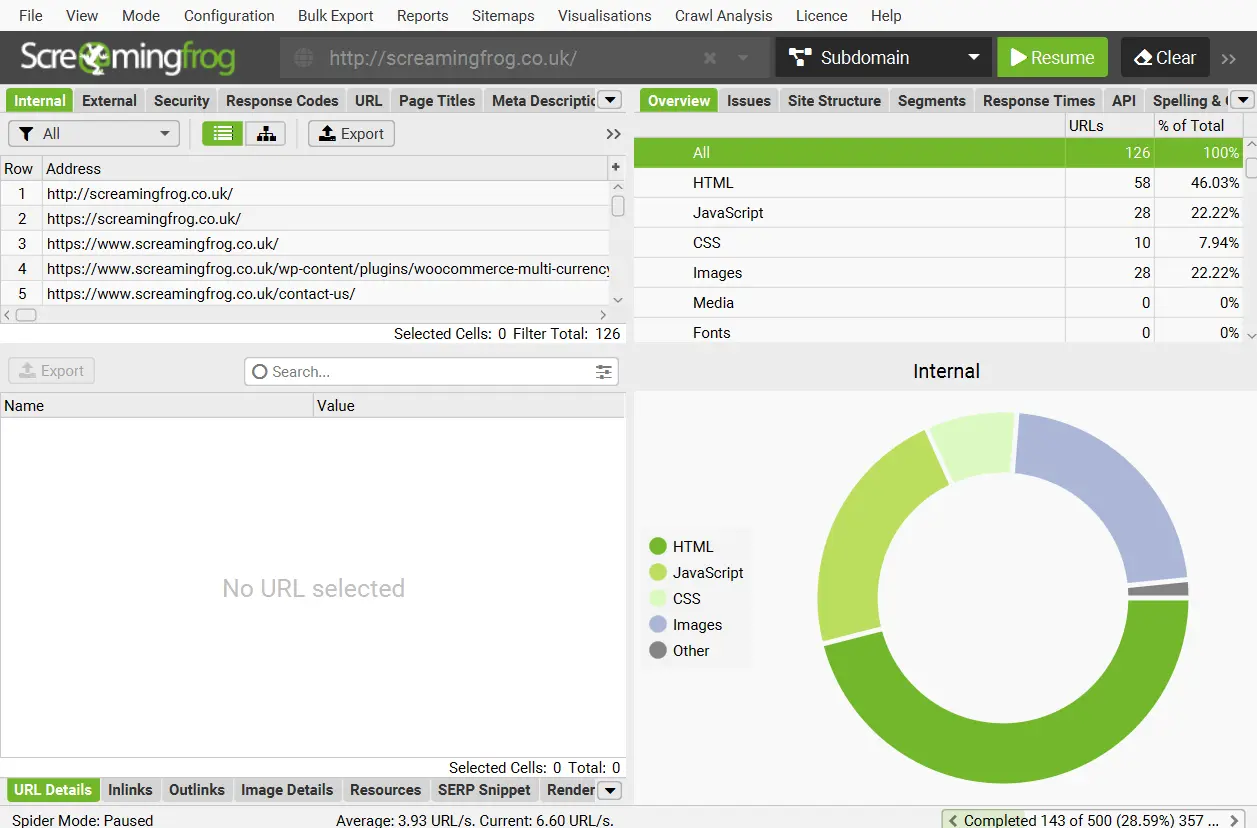
Best for: Technical SEO audits
Introduction
Screaming Frog is one of the most popular tools for technical SEO. It crawls websites and helps you uncover technical issues that can hurt rankings and crawlability.
Key features
- site crawling
- broken link detection
- duplicate content checks
- redirect analysis
- title tag and meta description review
- XML sitemap creation
- GA4 and GSC integration
Why we recommend it
This tool is excellent for deep technical SEO audits. It helps you see how search engine bots may crawl your site and shows where technical issues need fixing.
Real-life example
A business redesigns its website, and everything looks great on the front end. But a few weeks later, leads drop. The problem turns out to be simple but serious: several important service pages now have broken internal links, and one key page was accidentally blocked from indexing. Screaming Frog is the kind of tool that helps you find those hidden technical issues before they become expensive mistakes.
Pros
- Excellent for technical SEO
- very detailed crawl data
- useful for large websites
- affordable compared to enterprise crawlers
Cons
- has a learning curve
- desktop software, not fully browser-based
Pricing: Free for up to 500 URLs, then $279year
7. Moz Pro
Best for: Beginners and smaller teams
Introduction
Moz Pro is a trusted SEO platform that is easier to understand than many advanced tools. It is a good choice for people learning SEO or managing a smaller website.
Key features
- Keyword Explorer
- site crawl
- rank tracking
- page optimization suggestions
- domain metrics
Why we recommend it
Moz Pro keeps many SEO tasks simple. It provides clear guidance, useful reports, and a user-friendly experience for marketers who do not want a steep learning curve.
Real-life example
If you are new to SEO, many tools can feel like they were built only for experts. Moz Pro is easier to follow. For example, if you run a small law firm website and want to improve a page targeting “family lawyer in Houston,” Moz can point out simple things like weak keyword placement, missing optimization opportunities, and crawl issues without dumping too much confusing data on you.
Pros
- beginner-friendly
- trusted brand
- clean reports and dashboards
- helpful page optimization suggestions
Cons
- less advanced than some competitors
- advanced users may need more depth
Pricing: Starts at $49/month
8. Mangools
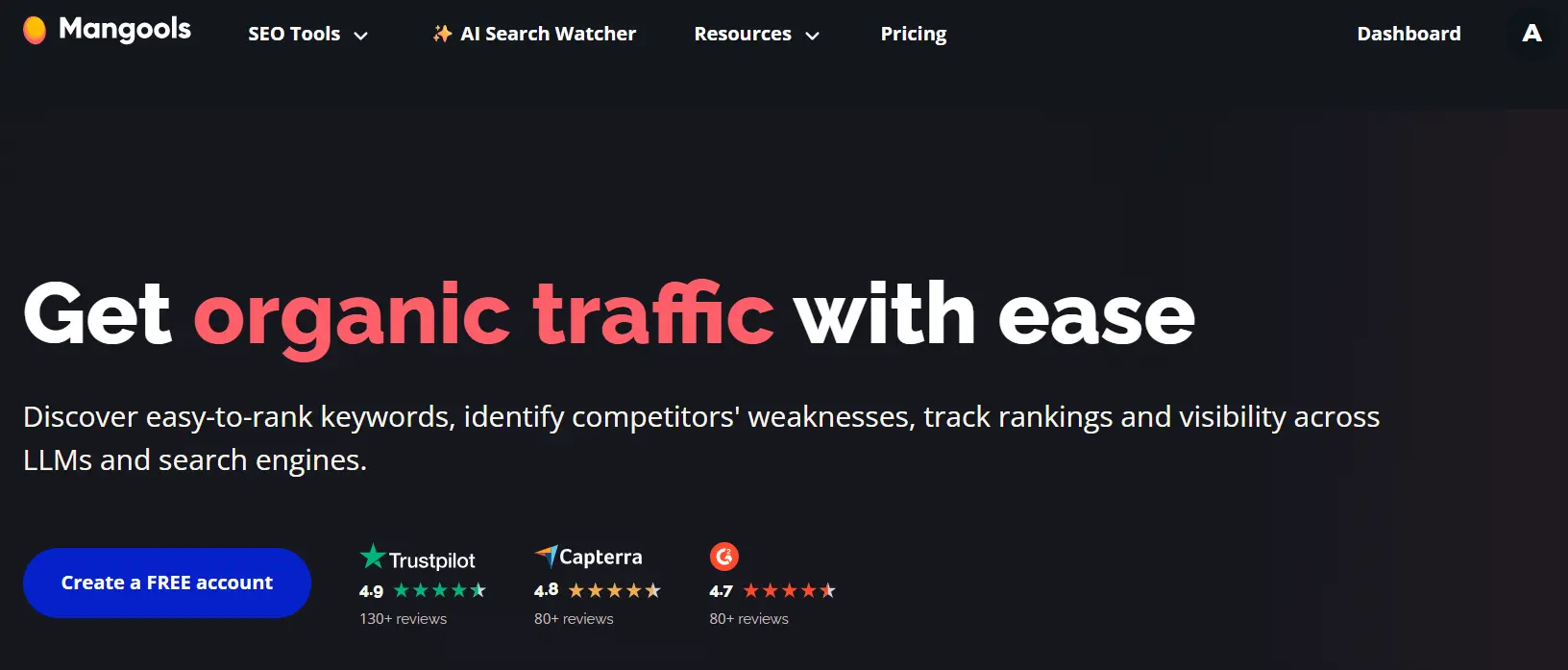
Best for: Budget-friendly SEO workflows
Introduction
Mangools is an affordable SEO toolkit that includes KWFinder, SERPChecker, SERPWatcher, LinkMiner, and SiteProfiler.
Key features
- keyword research
- SERP analysis
- backlink checking
- rank tracking
- domain overview
Why we recommend it
Mangools is simple, clean, and easy to use. It is a good fit for bloggers, niche site owners, and small businesses that need core SEO features without a huge monthly bill.
Real-life example
Picture a solo blogger starting a new travel website with a limited budget. They do not need a huge enterprise dashboard. They just need to find low-competition keywords, check what is ranking, and track a few important pages. Mangools works well here because it keeps things simple and gives useful SEO data without making the process feel too technical or too expensive.
Pros
- affordable
- beginner-friendly
- easy-to-read reports
- useful for small projects
Cons
- smaller database than premium tools
- limited depth for large agencies or enterprise teams
Pricing: Starts at $18.85month
9. AnswerThePublic
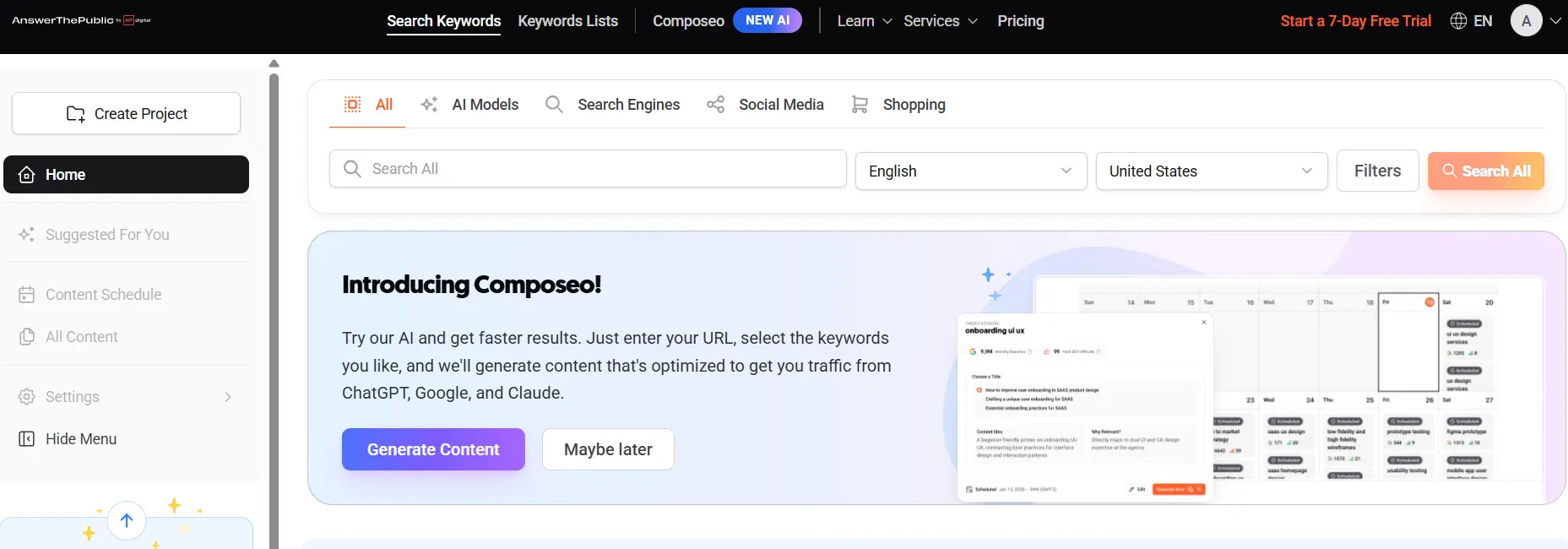
Best for: Question-based keyword research and content ideation
Introduction
AnswerThePublic is a content ideation tool that helps you find the questions, comparisons, and long-tail searches people use around a topic.
Key features
- People Also Ask-style questions
- question-based keyword ideas
- comparison queries
- search intent angles
- long-tail topic discovery
Why we recommend it
This tool is very useful when building blog outlines, FAQ sections, and topic clusters. It helps you understand how users phrase their questions and what they want to know.
Real-life example
Let’s say you want to write an article about “email marketing for e-commerce.” You know the main topic, but you are not sure what questions people actually ask. AnswerThePublic might show things like “how often should ecommerce brands send emails,” “what is the best email marketing tool for small stores,” or “does email marketing still work in 2026.” That makes it much easier to build a useful article that feels complete.
Pros
- great for content ideation
- useful for FAQs and long-tail keywords
- simple visual layout
Cons
- limited free searches
- no deep technical SEO or backlink analysis
Pricing: Starts at $6.6month
10. Nightwatch
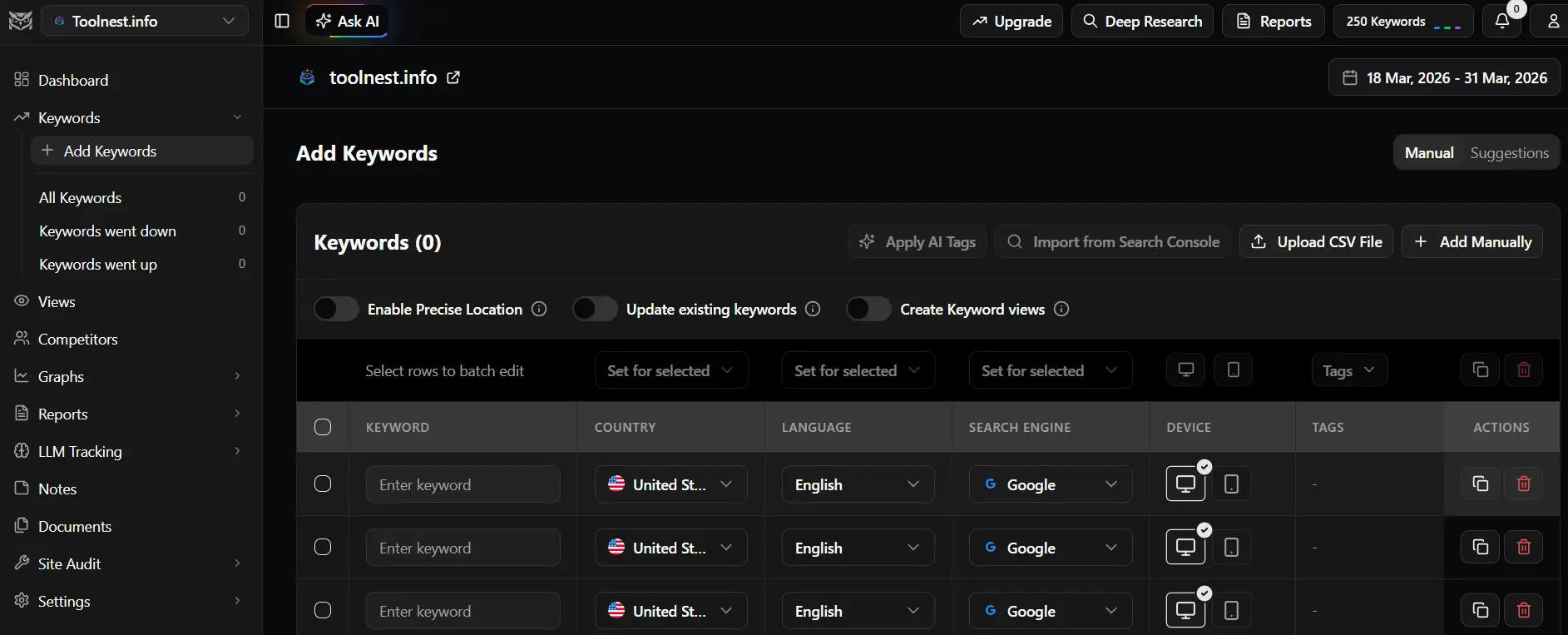
Best for: Accurate rank tracking
Introduction
Nightwatch is a strong rank tracking and SEO reporting tool built for marketers, agencies, and teams that care deeply about ranking accuracy.
Key features
- daily rank tracking
- local SEO tracking
- competitor visibility reports
- white-label reporting
- keyword segmentation
- search visibility graphs
Why we recommend it
Nightwatch is ideal if rankings are your main KPI. It is especially useful for local SEO, multi-location tracking, and client reporting.
Real-life example
A plumber with locations in different parts of a city may rank well in one area but poorly in another. If they only check rankings in one general report, they miss that detail. Nightwatch helps solve that by showing location-based rankings, so the business can see exactly where visibility is strong and where local SEO needs more work.
Pros
- accurate rank tracking
- useful for local SEO
- strong reporting features
- easy visual dashboards
Cons
- not as broad as all-in-one SEO suites
- pricing scales as tracked keywords increase
Pricing: Starts at $79month
Best Free SEO Analysis Tools
If you are just starting out or want to keep costs low, these are the best free SEO analysis tools to begin with:
- Google Search Console for search performance and indexing
- Google Keyword Planner for keyword ideas, search volume, and CPC
- Google Trends for topic trends and demand patterns
- Bing Webmaster Tools for free technical SEO insights
- AnswerThePublic for limited content ideation
- SEO Analyzer for a quick website SEO audit
Free tools are often enough for bloggers, local businesses, side projects, and new websites.
Best Paid SEO Analysis Tools
If you need more advanced functionality, these are some of the best paid SEO platforms:
- Semrush for all-in-one SEO management
- Ahrefs for backlink analysis and competitor insights
- SE Ranking for value and reporting
- Surfer SEO for content optimization
- Screaming Frog for technical SEO audits
- Nightwatch for accurate rank tracking
What Features to Look for in an SEO Analysis Tool
Not every SEO tool is built for the same purpose. Before you choose one, think about the features that matter most for your goals.
Keyword research
A good tool should show search volume, keyword difficulty, CPC, related terms, and search intent.
Technical SEO audits
You should be able to detect crawl errors, broken links, duplicate content, redirect issues, missing metadata, and indexing problems.
On-page SEO analysis
Look for title tag, meta description, header structure, internal linking, readability, and content optimization suggestions.
Backlink analysis
A strong backlink checker helps you review referring domains, anchor text, link quality, and link-building opportunities.
Competitor analysis
The best tools help you understand what your competitors rank for, which pages drive their traffic, and where your content gaps are.
Rank tracking
You should be able to track rankings over time by keyword, device, location, and search engine.
Reporting and dashboards
If you work with clients or teams, reporting and visualization features matter a lot.
AI search visibility
More SEO tools now offer AI visibility tracking, AI Overviews monitoring, and prompt tracking. This is becoming more relevant in 2026.
How to Choose the Right SEO Analysis Tool
The best SEO tool depends on your needs, skill level, and budget.
Choose Semrush if: You want an all-in-one platform for keyword research, audits, backlinks, content, and competitor analysis.
Choose Ahrefs if: You care most about backlinks, content gaps, and competitor research.
Choose Google Search Console if: You want free first-party data from Google and a simple way to monitor search performance.
Choose SE Ranking if: You want a lower-cost all-in-one SEO toolkit for multiple sites.
Choose Surfer SEO if: Your main focus is content optimization and on-page SEO.
Choose Screaming Frog if: You need deep technical SEO audits and crawl data.
Choose Moz Pro or Mangools if: You are a beginner or working with a smaller site and need something simpler.
Choose Nightwatch if: Rank tracking and local SEO reporting are your top priorities.
A Simple Real-Life SEO Workflow
Here is a practical example of how these tools can work together.
Imagine you run a growing SaaS website.
First, you use Google Search Console to find pages with high impressions but low click-through rates.
Next, you use Semrush or Ahrefs to analyze competitor keywords, content gaps, and backlinks.
Then, you use Surfer SEO to improve your content structure, add relevant semantic keywords, and better match search intent.
After that, you use Screaming Frog to crawl the site and catch broken links, duplicate metadata, redirect chains, or noindex issues.
Finally, you use our SEO Analyzer to run a fast website check and uncover SEO fixes you can prioritize right away.
This kind of workflow is much better than guessing. It helps you make SEO decisions using real data.
Final Verdict
There is no perfect SEO analysis tool for every website.
If you want the best all around option, choose Semrush.
If you care most about backlinks and competitor analysis, go with Ahrefs.
If you want free search performance data from Google, use Google Search Console.
If content optimization matters most, pick Surfer SEO.
If you need technical SEO crawl data, choose Screaming Frog.
If you want a budget friendly toolkit, Mangools and SE Ranking are both solid choices.
If you mainly care about ranking accuracy, Nightwatch is a smart pick.
And if you want a simple place to begin, try our SEO Analyzer to quickly analyze your website, find SEO issues, and spot easy optimization wins.
The best SEO tool is not always the most expensive one. It is the one that fits your workflow, your goals, and the way you actually do SEO.
FREQUENTLY ASKED QUESTIONS ( FAQ)
Q1: What is the best SEO analysis tool?
Answer: Some people say that SEMrush is better than all the other tools currently available in the market because it combines keyword research, site audits, competitor analysis, rank tracking, and content insights in one platform, etc.
Q2: Which SEO tool is best for beginners?
Ans: In my opinion, Moz Pro and Mangools are good for people who have just started SEO and are still at the beginner level. because these two are easier to use and present SEO data in a simple format.
Q3: What are the best free SEO analysis tools?
Ans: At this time, the best free tool available is Google Search Console. It is Google’s own product, and it shows your site’s real data, such as how many clicks and impressions you are getting, and which of your pages are indexed and which are not.
Q4: What are the best tools for technical SEO?
Ans: If your website’s ranking is dropping due to any kind of technical issue, it is important to perform a detailed technical SEO audit. For this, I would recommend using Screaming Frog SEO Spider. This tool will thoroughly audit your site and identify multiple issues such as broken links, duplicate content, redirect issues, and problems with meta titles and descriptions etc.
Q5: What is the most accurate keyword research tool?
Ans: In my opinion, SEMrush and Ahrefs are two tools that provide the best suggestion data on which keywords you should target so that your site can rank in search engines. At the same time, you can use these tools to analyze your competitors’ websites and find out which keywords they are using to rank their sites.
Q6: Can I use ChatGPT for keyword research?
Ans: ChatGPT uses its artificial intelligence to provide keyword ideas, but it does not have access to real data. That’s why I would suggest that you manually search keywords in Google to analyze them better.
Q7: What is an SEO tool?
Ans: An SEO tool is a software that helps your website rank better in search engines.
Q8: Are free SEO tools enough for small websites?
Ans: Yes, Free tools are only better for beginners whose sites are newly started. I would recommend tools like Google Search Console, Google Keyword Planner, and basic audit tools. These can be enough. For larger sites, I would recommend paid tools only.
Q9: Can ChatGPT do an SEO audit?
Ans: ChatGPT is an artificial intelligence, but it cannot fully audit your website. It can only interpret data, generate meta descriptions, suggest improvements, and explain SEO concepts when you provide specific information.
Q10: Is SEO evolving or dead in 2026?
Ans: SEO is not dead, but the algorithms have updated over the past few years. Old SEO techniques no longer work. Previously, you could rank by keyword stuffing, but now you need to put in real effort. You must create quality content with the user’s intent in mind, and then your chances of ranking will increase.